Kingbolen K7 Bi-Directional Scan Tool Review & Test
Episode 350 ·
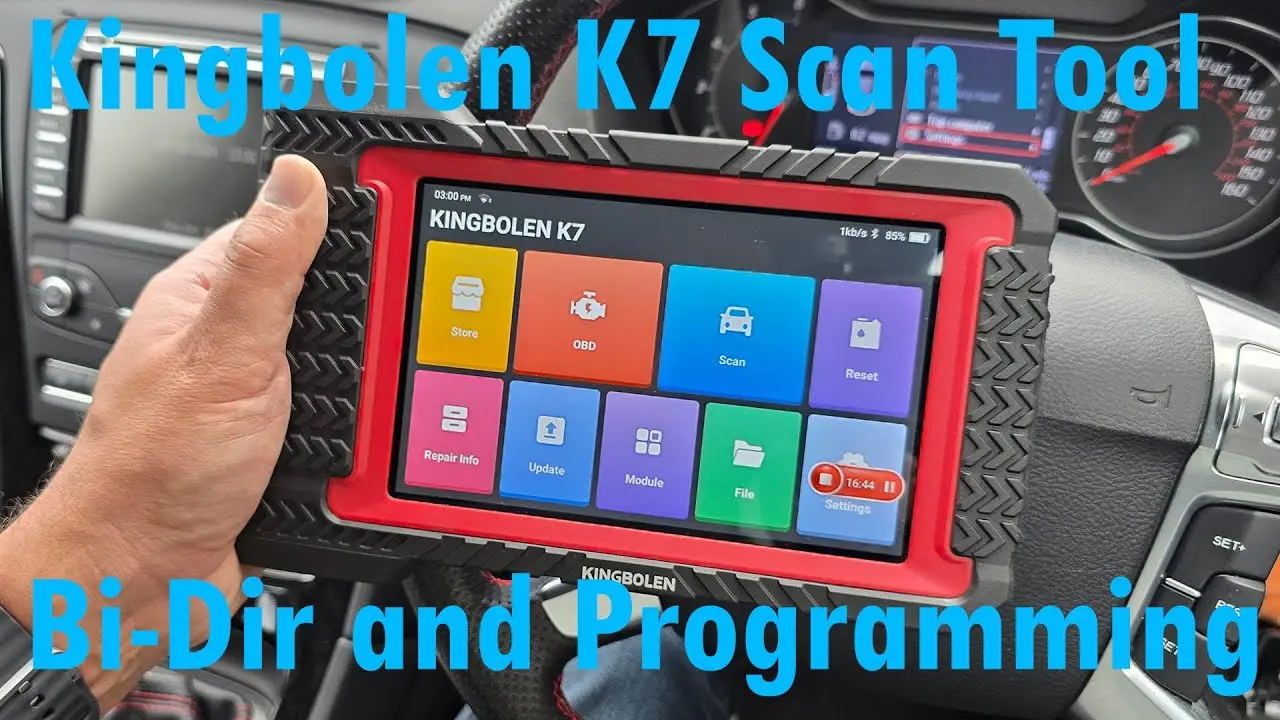
The Kingbolen K7 is an Android 10 diagnostic tablet with a high resolution 7 inch display, 2 GB of RAM, 32 GB of storage, a 6 Ah battery, dual band Wi-Fi and Bluetooth 5, paired with a wireless OBD dongle that charges separately over USB. The notable commercial point is three years of included software updates, where most tools in this bracket offer one or two.
The demonstration is a pre-service full system scan of a European Ford. Auto detection identifies the vehicle, and the health report scans every module, marking those not fitted, clear or carrying codes. On this car the codes were confined to the body control, door and instrument modules, all attributable to LED bulbs fitted in place of filament lamps. Within a module the tool offers module information, fault reading and clearing, live data with real time graphing of up to four parameters on one plot, actuation tests, special functions such as learned value resets, injector coding and static DPF regeneration, and coding of settings such as indicator flash on lock. Generic OBD data is available separately, which matters because module live data is ECU interpreted and can mask a failed sensor. A module programming menu supports replacement module installation where the vehicle allows it.
Bidirectional capability depends on the vehicle, and this Ford exposes very little, where German cars typically allow lights, solenoids and actuators to be driven. There is no service bulletin database, but a browser and fault code library are included, and the tablet can act as the display for optional accessories including an oscilloscope, battery tester, video scope and TPMS tool. For the DIY user prepared to spend a low few hundred pounds, the feature set and update period make it one of the better options.
More Kingbolen
 Length 14:50
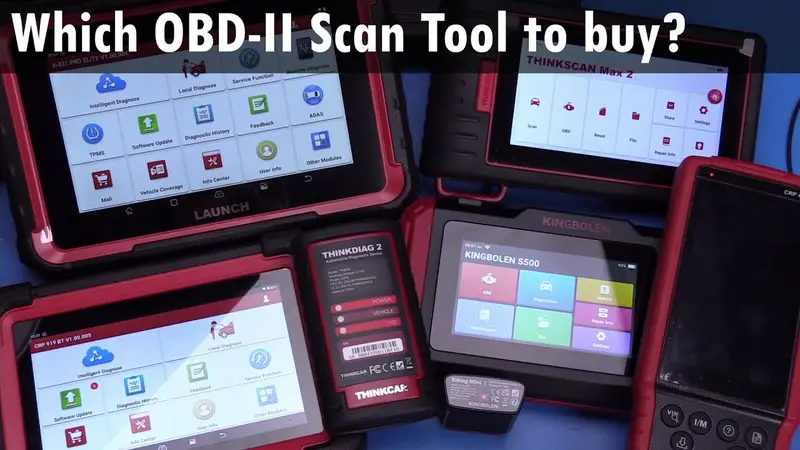
Best Car Diagnostic Tool 2024: Launch vs Thinkscan
Seven OBD2 scan tools compared: Ediag Mini, Thinkdiag 2, Kingbolen S500, Launch CRP429C, Thinkscan Max 2, CRP919EBT and X431 Pro Elite.
 Length 6:37
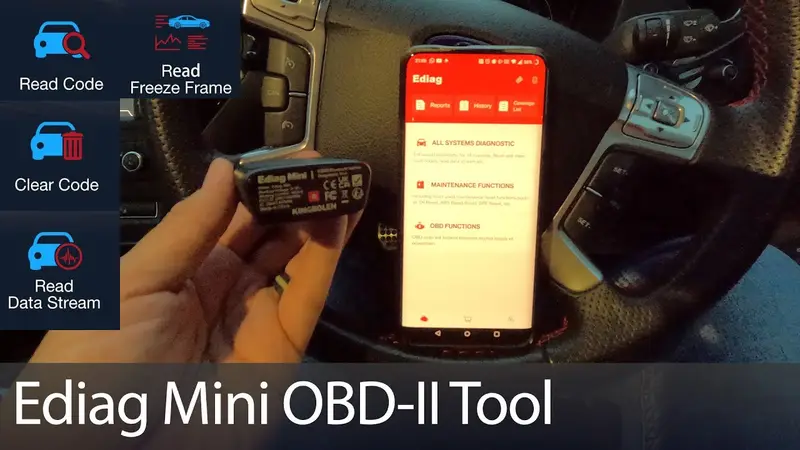
Kingbolen Ediag Mini OBD2 Bluetooth Dongle Review
Hands-on with the Kingbolen Ediag Mini: full system scans, live data from ABS and HVAC modules, code clearing and what costs extra.
 Length 17:31
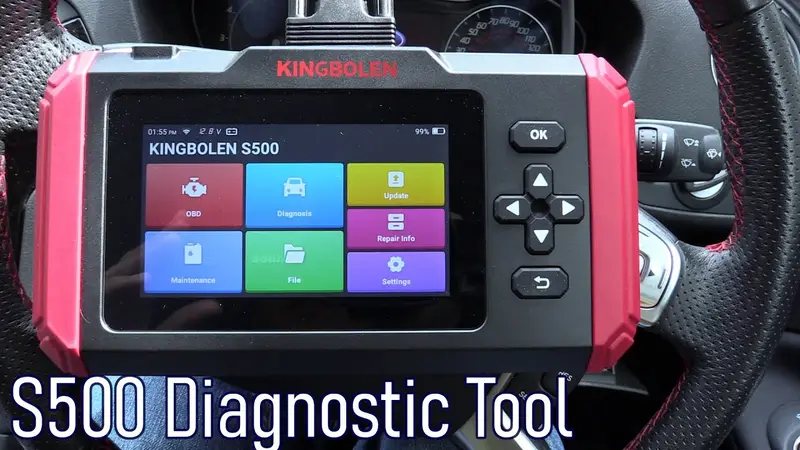
Kingbolen S500 Diagnostic Scanner Review & Test
Hands-on review of the Kingbolen S500 OBD2 scan tool: 4-module access, live data graphing, free updates, and where the S500 falls short vs the S600/S800.