Rigol MSO1074Z: Unlocking Options via Memory Dump
Episode 4 ·
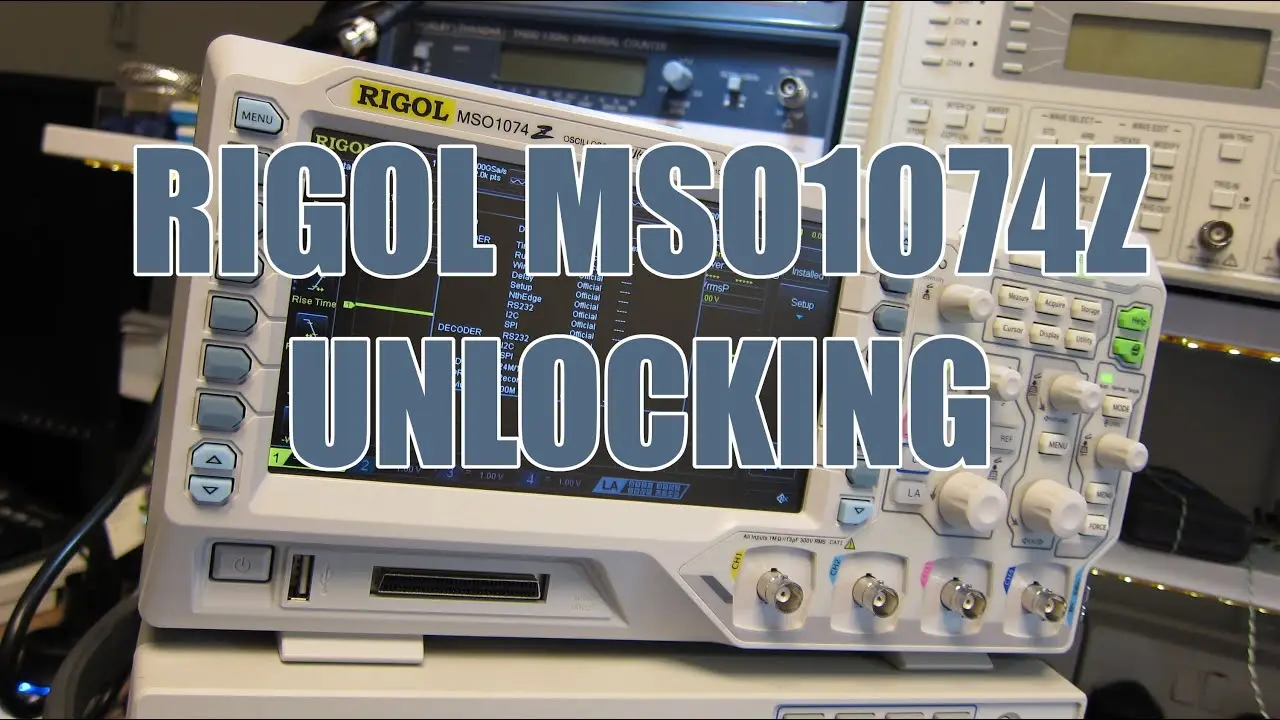
The Rigol MSO1074Z occupies an awkward position for anyone familiar with the well documented DS1000Z and DS2000 option unlocks. Those oscilloscopes expose their serial and private key data through the usual front panel or web interface route, so a key generator alone is enough. The MSO1074Z does not cooperate that easily, and this walkthrough shows why: the oscilloscope has to be dismantled so that its i.MX28 processor can be reached over JTAG, and the option data has to be extracted from RAM as a raw memory dump before any licence string can be produced.
The practical conclusion for owners is that this is a hardware level job, not a five minute keygen exercise. It needs a JTAG adapter that OpenOCD supports, the correct interface and i.MX28 target configuration files, and enough patience to dump a large block of memory starting at 0x40000000. Once that binary exists, the rigup utility scans it for candidate option keys and writes them to a text file, and a second pass against the specific option code produces the licence string that is entered into the oscilloscope. Running the rigup side under Linux is the path of least resistance, with basic build tools installed first.
It should be noted that the memory dump reflects the oscilloscope’s current state, so what is extracted depends on the firmware and serial in front of the user. Anyone considering an MSO1074Z purely because unlocked bandwidth and options are theoretically available should weigh the disassembly risk, the extra hardware cost, and the fact that this is a hobbyist process with no vendor support behind it.
More Product Reviews
 Length 0:37
December PCB Deals: Free Colour Upgrades & 3D Printing
A quick look at December PCB fabrication offers: free pink, purple or matte black solder mask upgrades, half price 3D printing, and coupon codes.
 Length 13:04
AliExpress 3-Channel DMX AC Dimmer: Unsafe Isolation
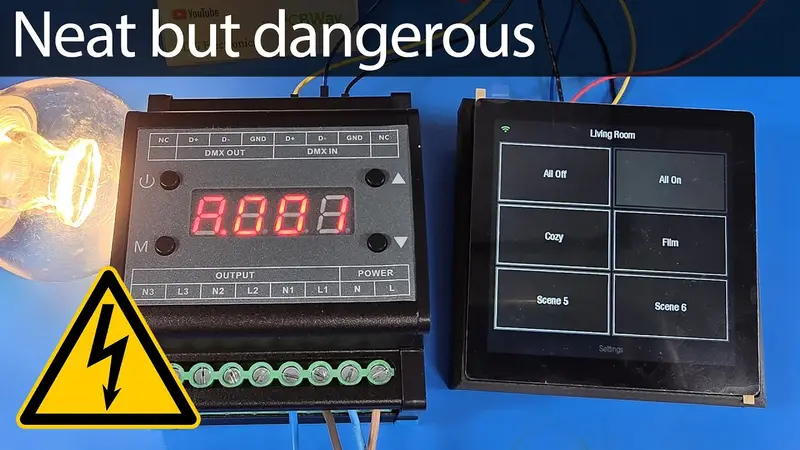
Teardown and testing of a 3-channel DMX512 MOSFET AC trailing edge dimmer from AliExpress. Good circuit design, but the PCB isolation is a serious safety fail.
 Length 11:08
LattePanda Mu Review: Intel N100 x86 Board Computer
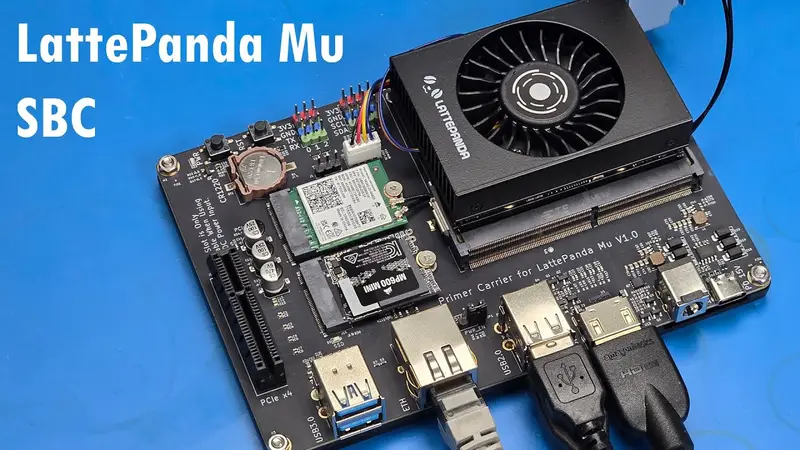
Hands-on with the LattePanda Mu compute module and carrier board: Intel N100, 8GB LPDDR5, PCIe x4, power draw tested and Raspberry Pi 5 compared.